Webform
To access and manage webforms, you must click the 'Webform' tab. The system will display a structured interface with the following components:
-
The system will open the Assign Webforms window. The window is divided into two panels:
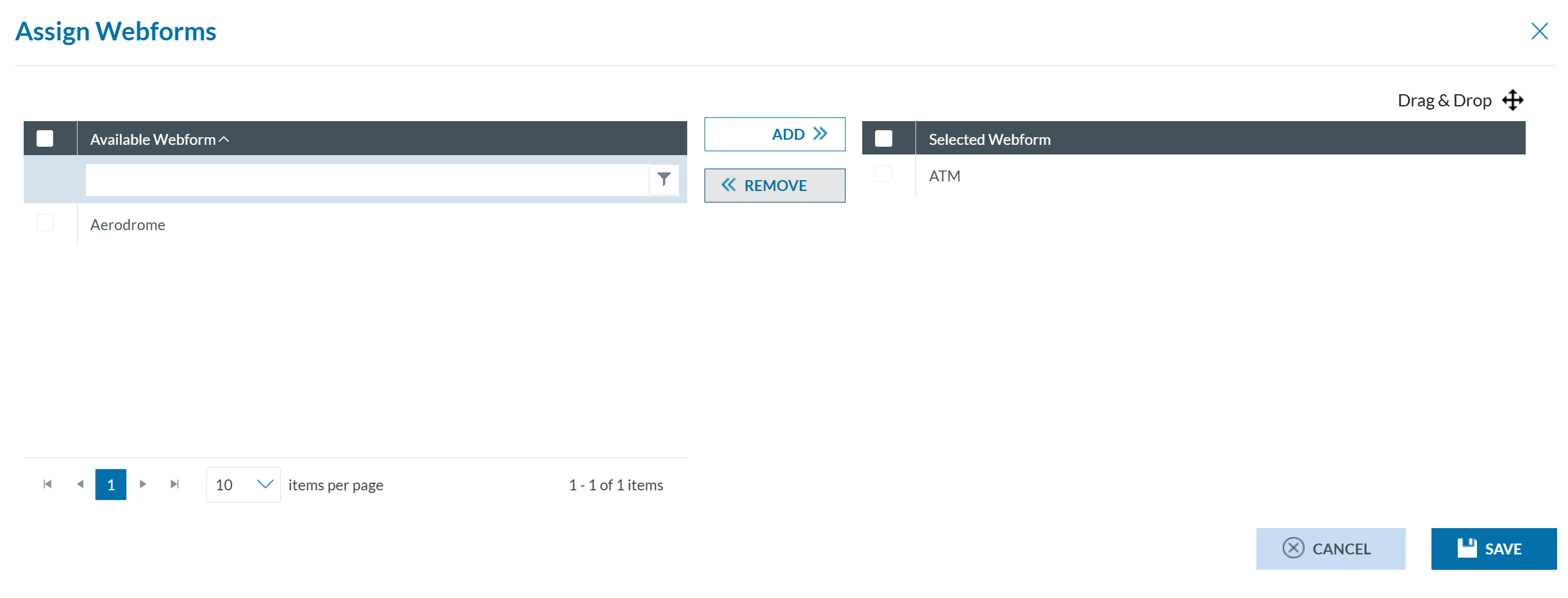
- Available Webforms (left Panel): It displays webforms defined by the Organisation’s Authority. Ten records are shown per page and can be filtered. Each webform has a checkbox for selection, including a master checkbox to select all.
-
Selected Webforms (right Panel): It shows webforms already assigned. Checkboxes allow individual or bulk selection. Items can be reordered via drag-and-drop.
- You can:
- select webforms from the left panel using the checkboxes, then click 'Add' (located between the panels) to assign webforms.
- select webforms from the right panel using the checkboxes, then click 'Remove' (located between the panels) to unassign webforms.